
CRACK'D: The Safecracking Game

Spin the dial and find the gate. Crack five safes, keep the alarm quiet, and decide when to walk away with the haul.
Coming soon to the App StoreiPhone, iPhone Duo and iPad · iOS 26 or later · Rated 18+ · Free, with optional in-app purchases
How a heist works
Spin. Set. Get out.
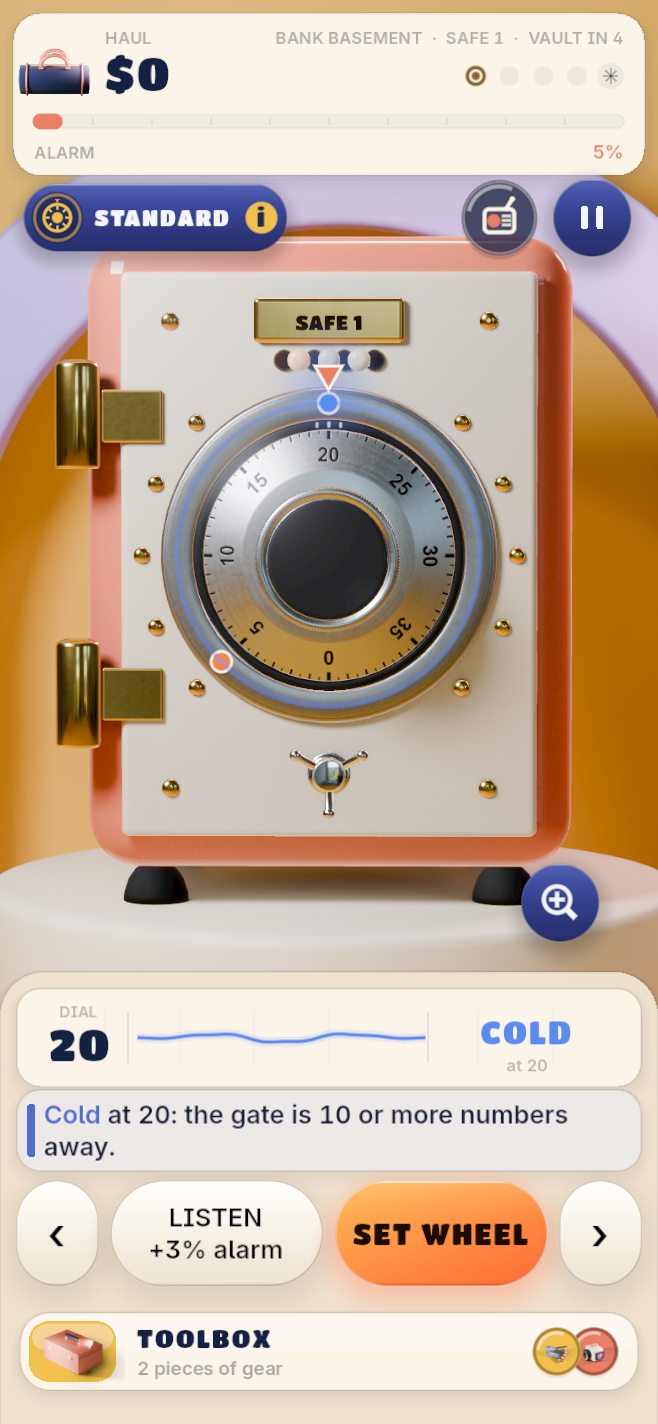
Read the dial
The readout tells you how close you are to the gate (cold, warm, close, hot, on it), never which side it's on. Set the wheel when you know.
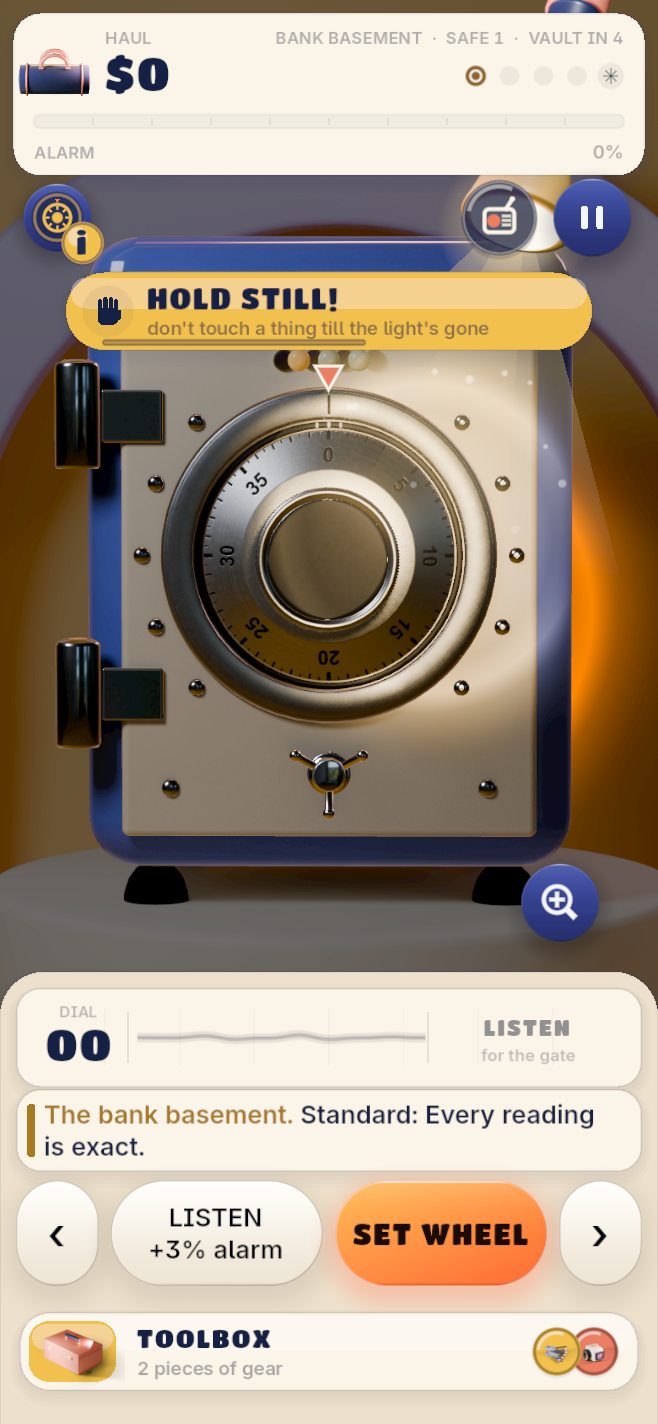
Keep it quiet
Every reading raises the alarm, and it carries through the whole heist. Guards patrol with torches, so hold still when the light comes.
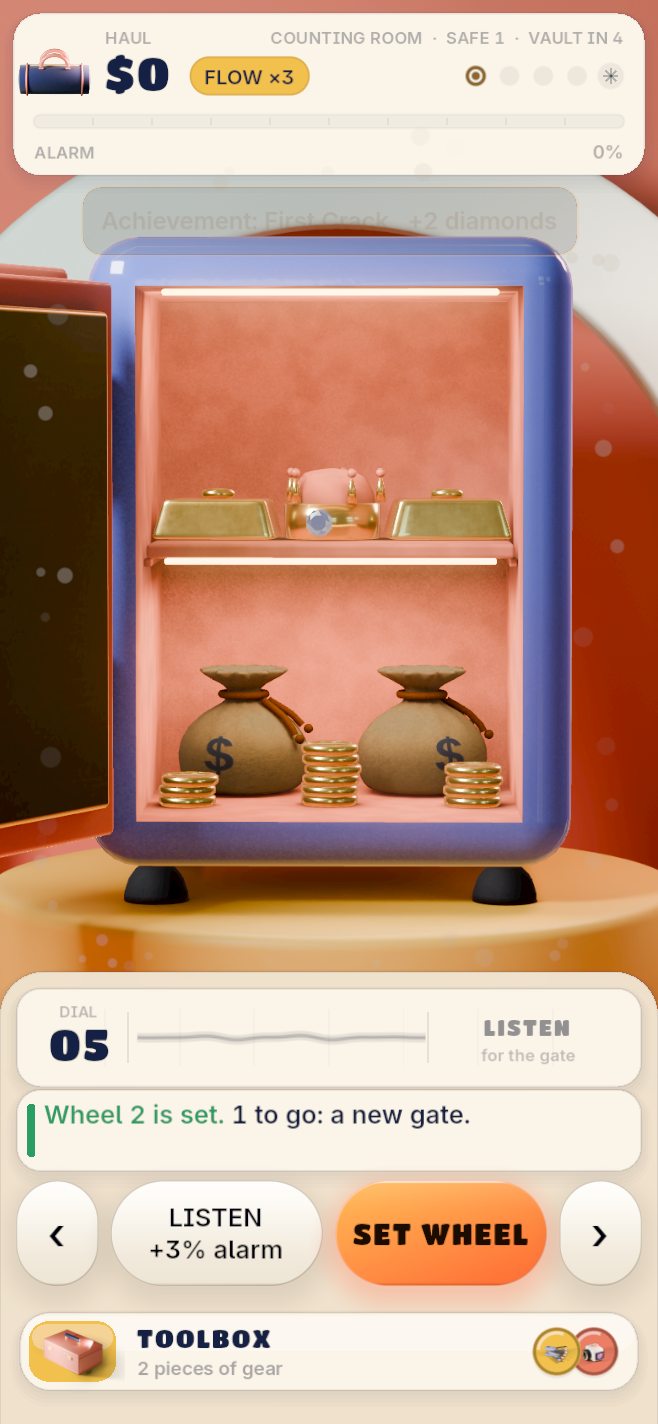
Bank it or go deeper
After each safe, walk away with the haul or push on for more. Five safes end at a round vault door. Get caught and you lose everything you carry.
A look inside
Swipe through real screens from the game.
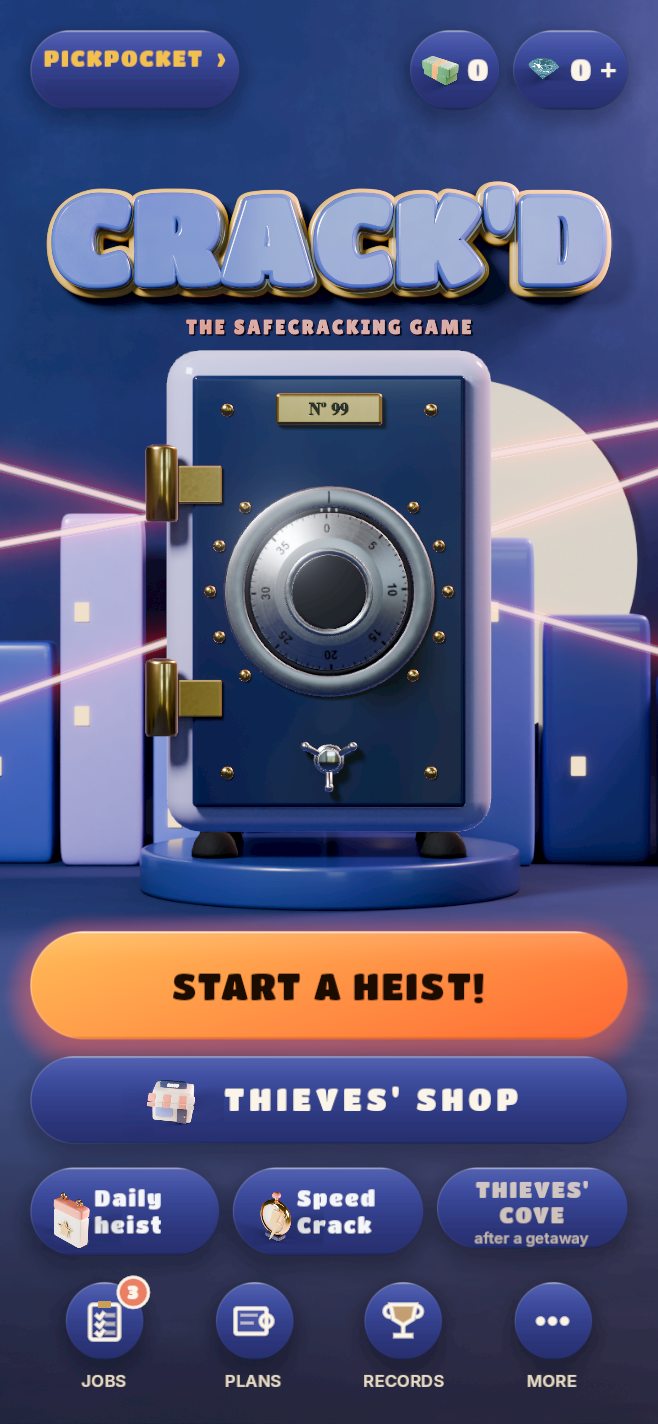
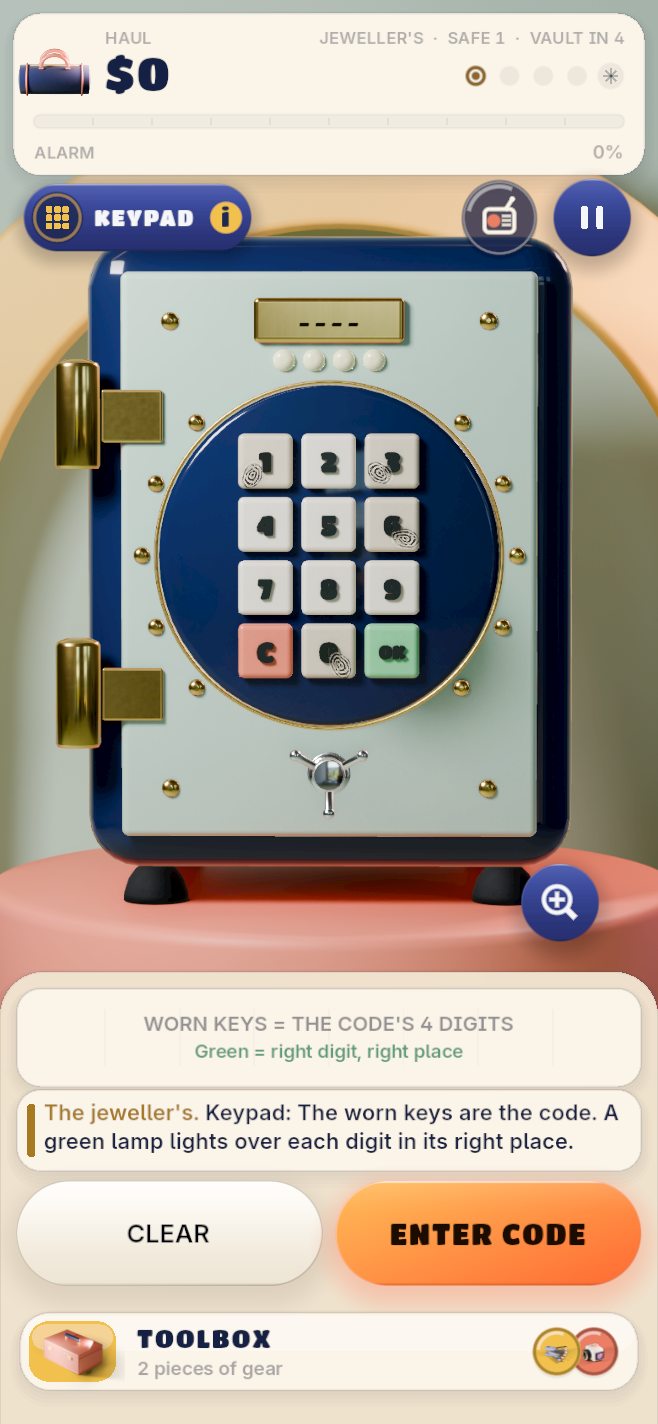
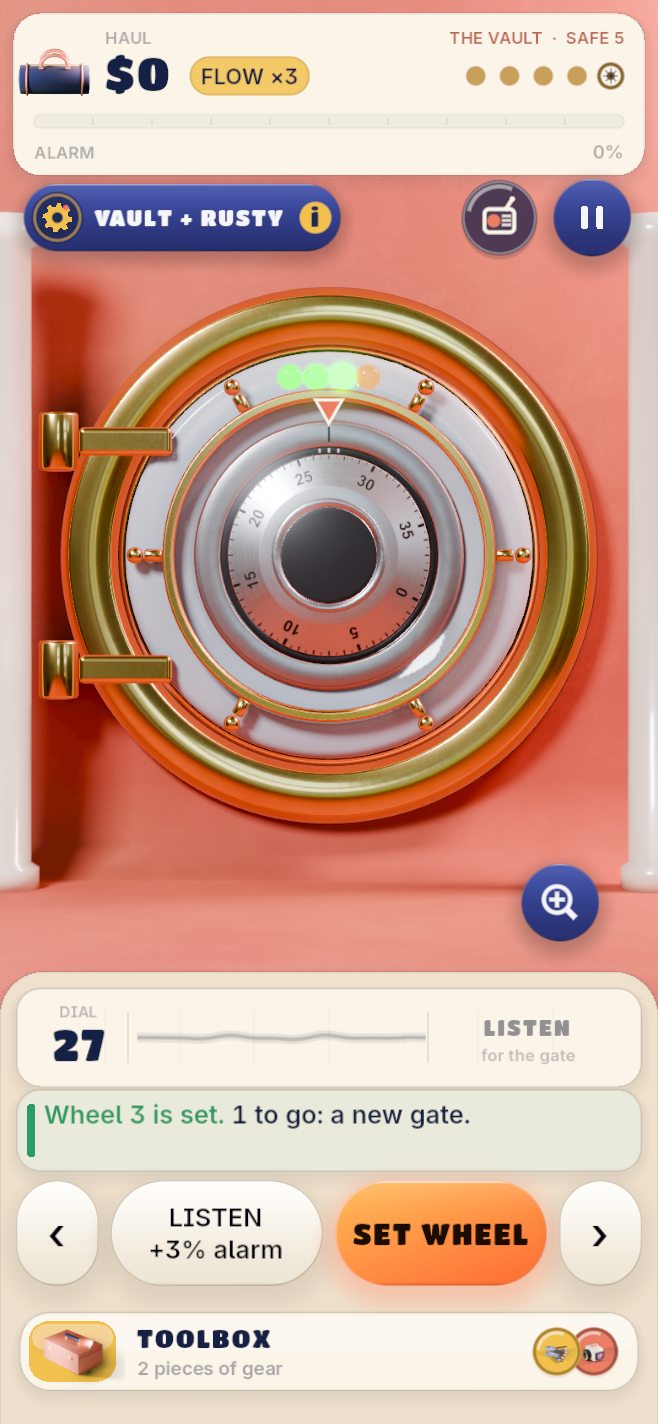
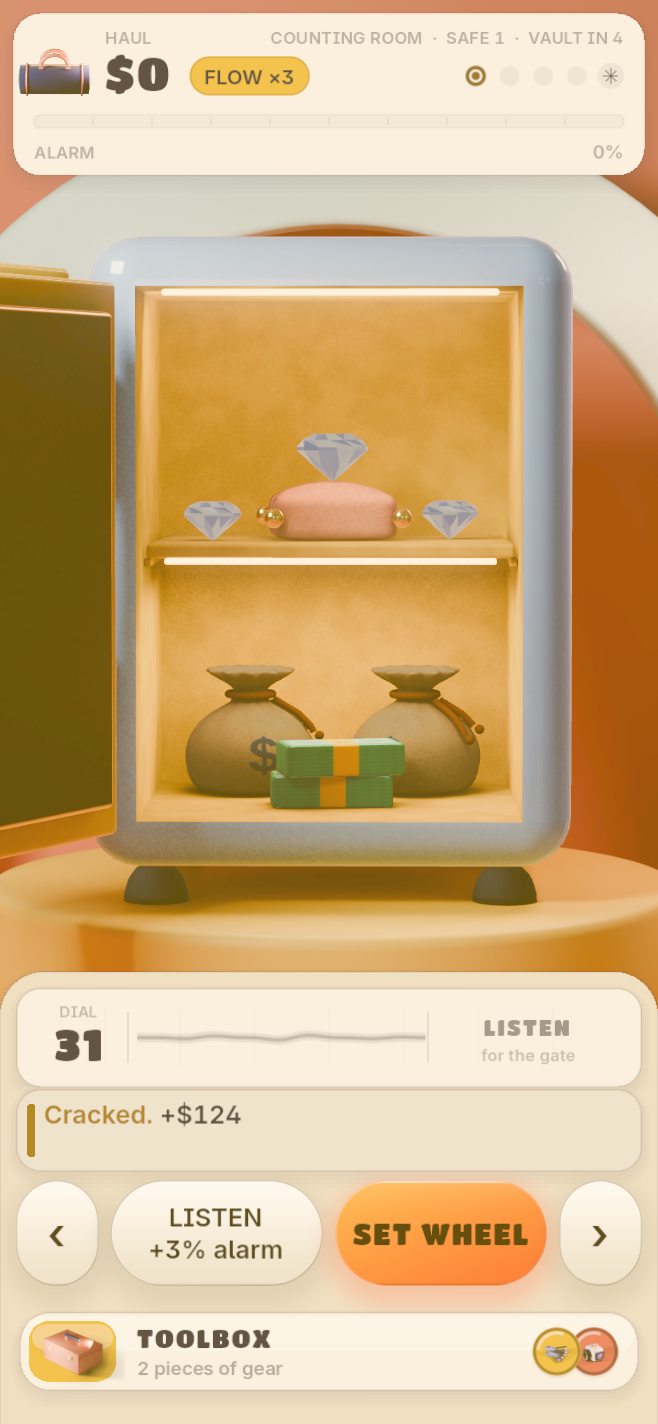
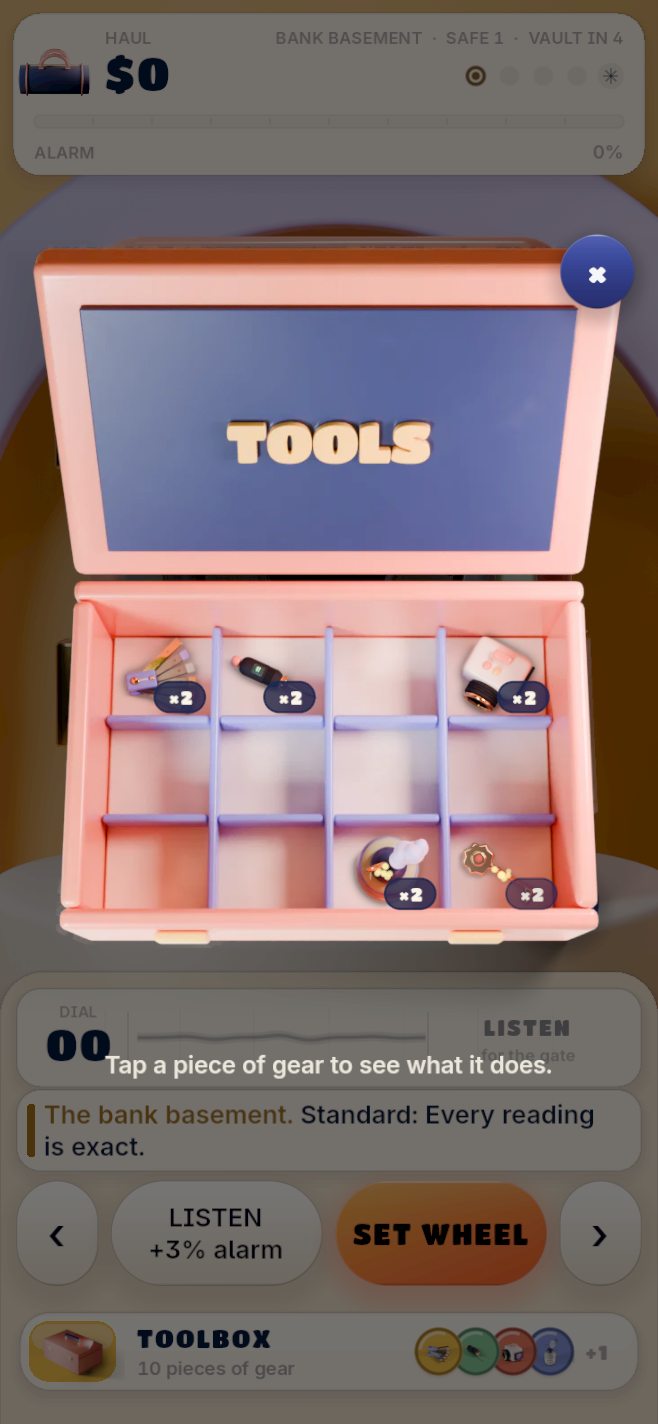
The toolbox
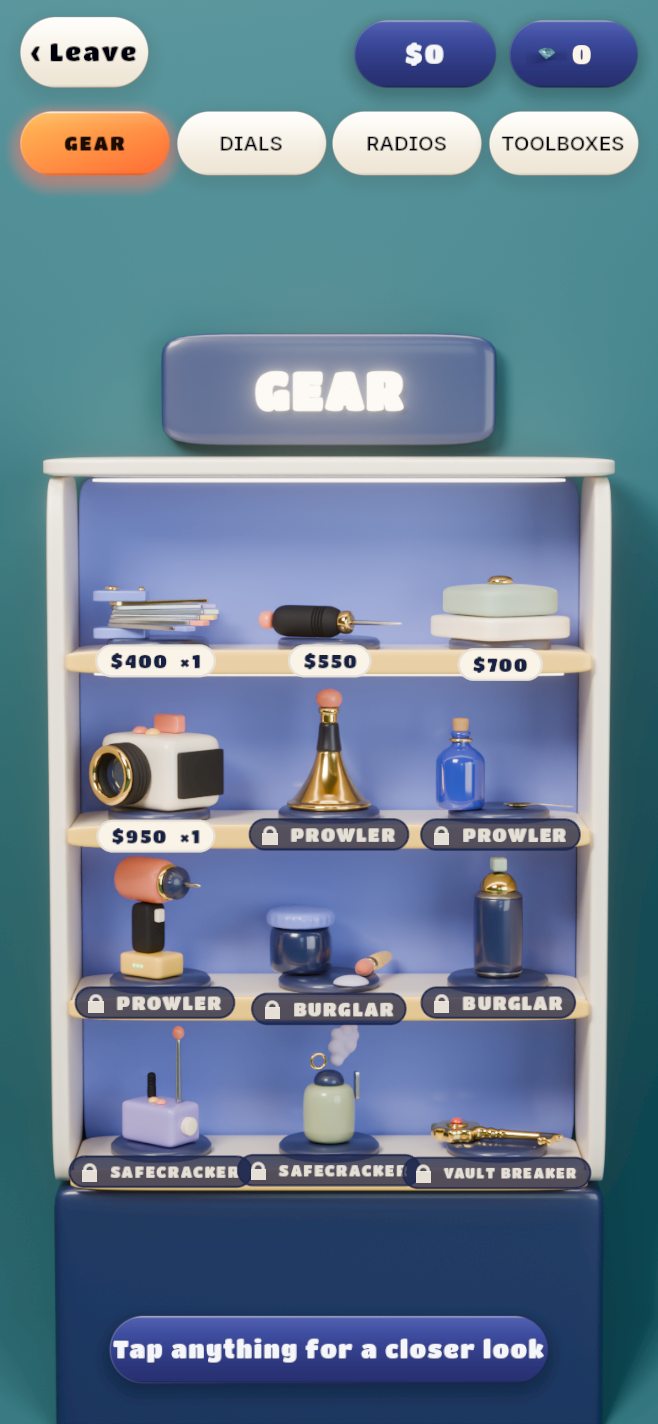
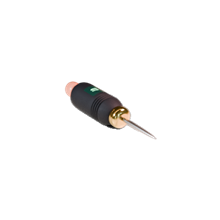
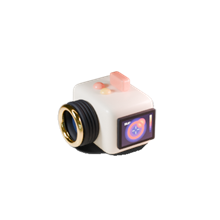
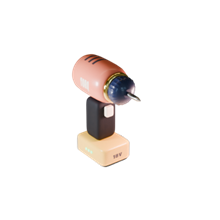
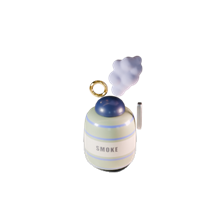
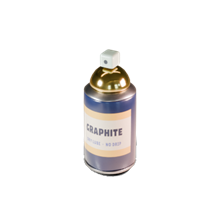
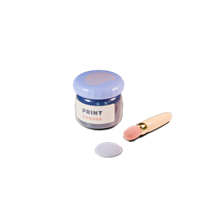
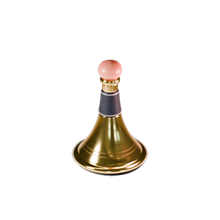
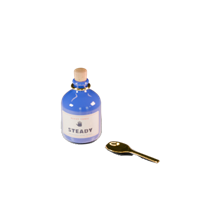
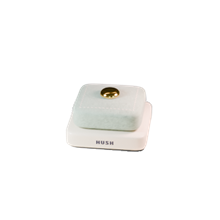
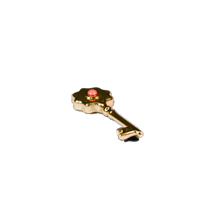
Twelve pieces of gear
From a feeler gauge and a thermal camera to a drill, a smoke bomb and the Escape Artist. Each one trades noise for information.
Climb the ranks
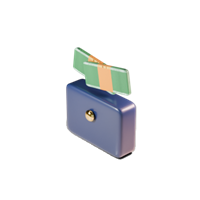
From Pickpocket to Legend
 Pickpocket
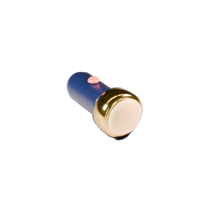 Prowler
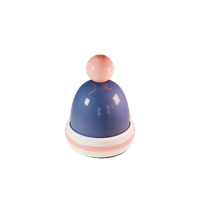 Burglar
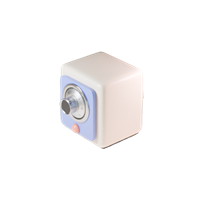 Safecracker
 Vault Breaker
 Phantom
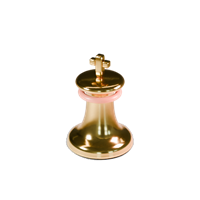 Mastermind
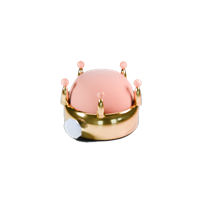 Legend
Make it yours
Your own look
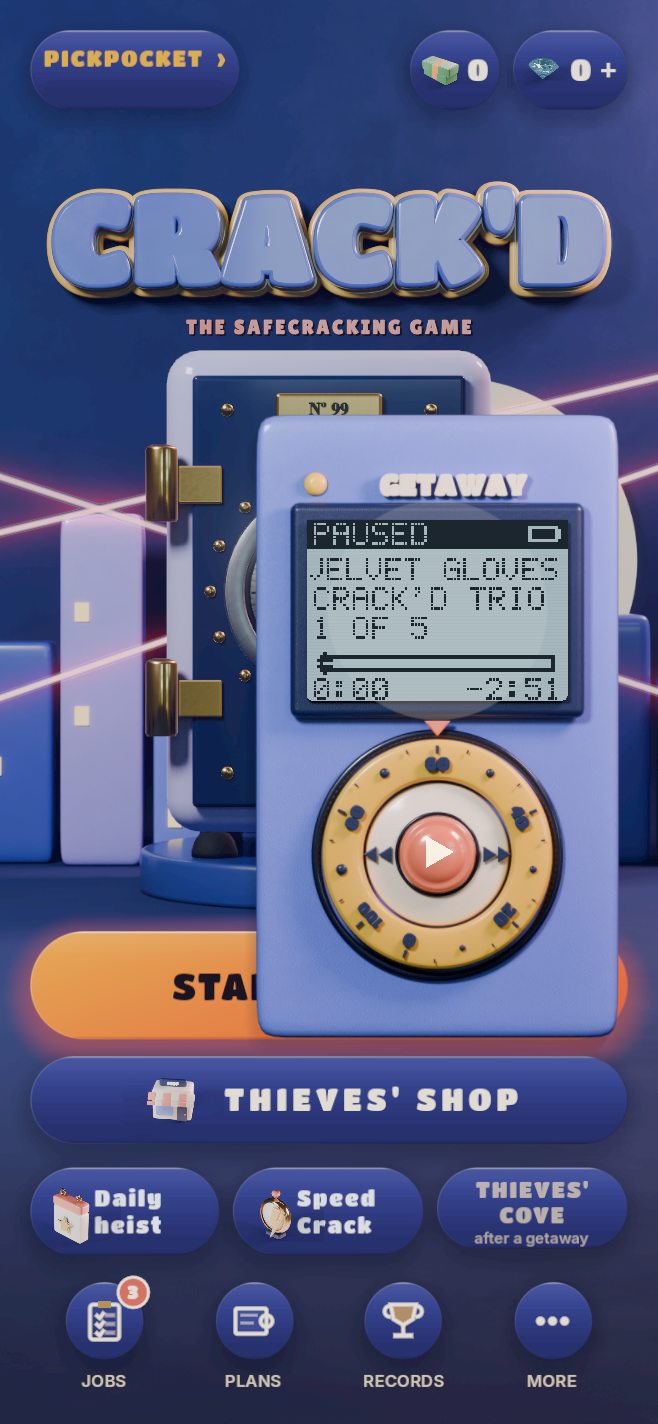
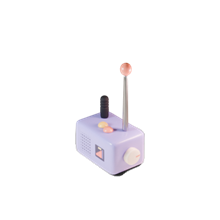
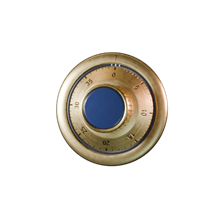
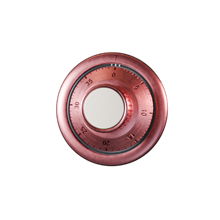
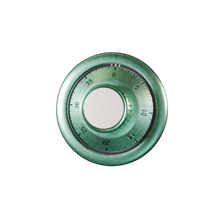
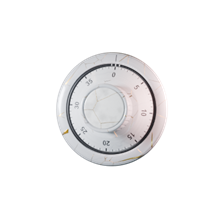
Collect 22 dials, 9 Getaway Radios that play the game's own music, and 12 toolboxes, each with its own design.
Ways to play
More than one job
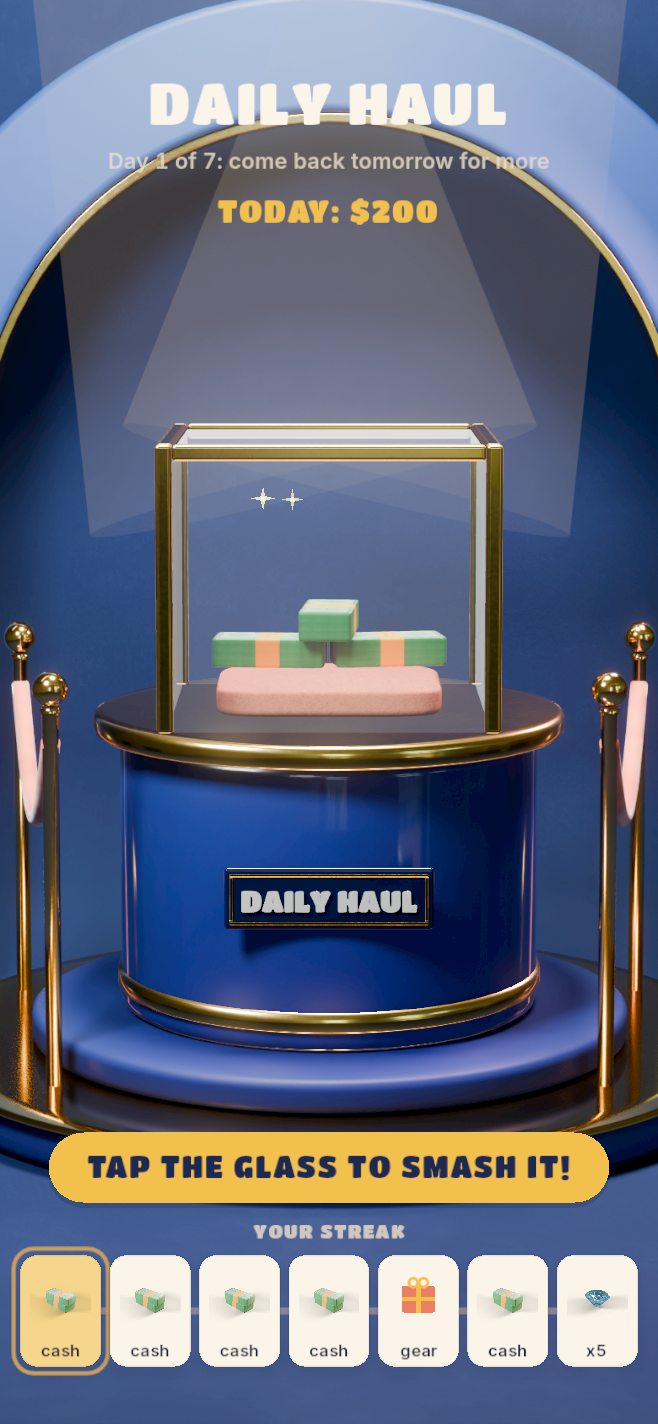
- The Daily Heist: a new heist every day.
- Speed Crack: endless safes against the clock.
- Vault codes: share a heist with friends and play the same safes.
- Thieves' Cove: Tumblers, Big Dial and Glass Cutter, played with in-game cash only.
Support
Something not working, or a purchase that didn't arrive? Email mushedapps@gmail.com with your iPhone or iPad model and what happened, and we'll sort it out.
A pack you paid for arrives as soon as Apple confirms the payment, even if the game was closed at the time: open the game again and it comes in.
Refunds are handled by Apple: ask for one at reportaproblem.apple.com.
Found a security problem in the game? Email the same address, and please give us a chance to fix it before you tell anyone else.